Staff records
IC, bank, EPF and SOCSO numbers, pay terms, start and resign dates. One tidy record for every person.
Flowlzy keeps every staff record, leave day and document together, works out EPF, SOCSO and EIS, and gets payslips out on WhatsApp. Then we build in the parts only your business has, from bookings and trips to orders and invoices.
Most small teams run payroll from a spreadsheet, a WhatsApp group and one person's memory. Flowlzy puts it all in one system that anyone in the office can follow.
From the day someone joins to the day they leave, every record, payment and document sits in one place.
IC, bank, EPF and SOCSO numbers, pay terms, start and resign dates. One tidy record for every person.
Basic pay, hours, overtime and allowances go in; EPF, SOCSO and EIS come out. Edit freely until you finalise the month.
Every payslip is ready at once. Open WhatsApp with it already typed out and press send, or print it.
Record leave and unpaid leave, see each person's balance, and keep the MC photo with the day it covers.
IC copies, licences, certificates and transfer slips, stored privately and opened only by the people allowed.
Know before a licence or document runs out, and see what needs doing on one Today screen each morning.
Download the month as a spreadsheet for your bank's bulk payment and another for your accountant.
Already have a staff list in Excel? Bring it in on day one instead of typing everyone again.
The weekly and monthly numbers you check most, on one screen and ready to export.
Staff, pay terms and hours are already in the system, so payroll is a check, not a rebuild.
Everyone's pay is worked out from their basic, hours, overtime and allowances.
EPF, SOCSO and EIS are filled in for each person. Type in PCB from LHDN's calculator.
The month locks, so no one can change it afterwards by accident.
All at once on WhatsApp, or print them for the notice board.
One file for the bank, one for your accountant.

Employer pays EPF RM 383.00 · SOCSO RM 51.65 · EIS RM 5.90
Payroll and staff is where most businesses start. From there we build the parts only your business has, in the same system with the same logins. Six of them have a live demo you can click through right now.
 Live demo
Students tracked from registration to licence. Each test can only be booked once the payment for it is verified.
Try the demo Live demo
Lorry trips planned on screen instead of a paper sheet. A DO photo becomes a job, and drivers update it from their phone.
Try the demo Live demo
Doctor sessions filled across branches, locum pay worked out every week, and APC reminders before they lapse.
Try the demo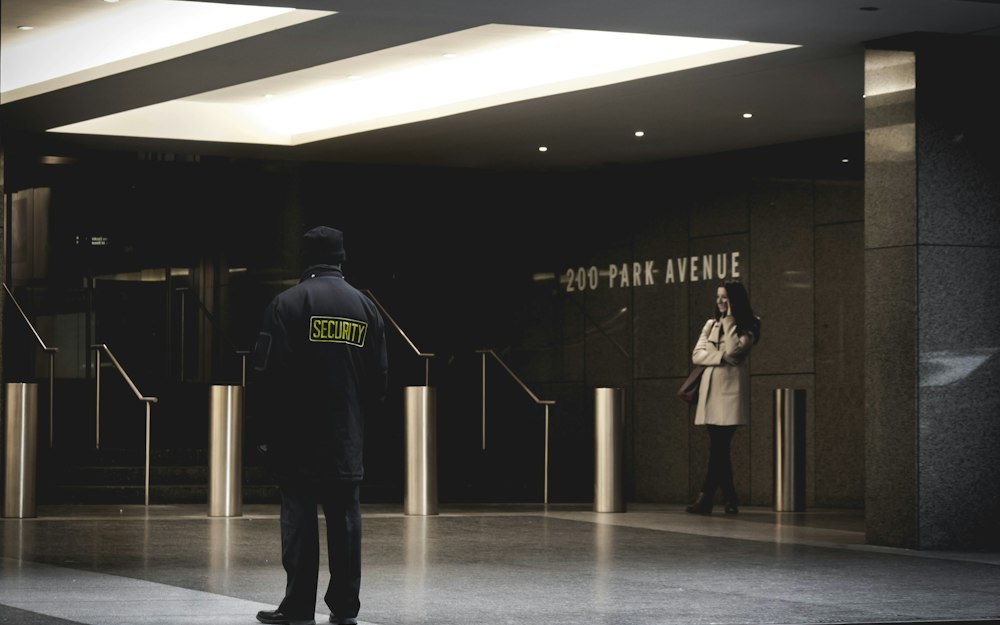 Live demo
Every post covered on every shift. Guards clock in by QR, a missing guard shows within minutes, and relief is one tap away.
Try the demo Live demo
Medicine rounds and care logs on the caregiver's phone, nights covered, and family invoices with what was used.
Try the demo Live demo
Rooms held around each due date, clashes flagged before they happen, and the 1 : 3 carer ratio checked on every shift.
Try the demoThe demos open in a new tab and use made-up companies, people and figures. They show what we'd build for you, so nothing you click changes anything real.

Shift rosters for every outlet, part-timers paid by the hour, and each day's sales checked in one place.
Ask us about it
Every agent's orders in one place, with COD and bank-in payments checked off and parcels tracked to the door.
Ask us about it
Jobs followed from quotation to invoice, with each technician's hours going straight into payroll.
Ask us about itMix and match, or ask for something that isn't on the list.
Tell us how you run it today, even if it's on paper and WhatsApp. We'll show you what your own system could look like.
Salaries, IC numbers and bank details need more care than a shared spreadsheet. Here is how Flowlzy looks after them.
A secure cloud database on Amazon Web Services, run by Supabase, with every connection encrypted.
Admins do the daily work without ever seeing pay, IC or bank details. Staff see only their own.
A code from the phone on top of the password, so a leaked password alone is not enough.
Important changes record who made them and when, and a finalised payroll month cannot be edited.
Download a full, password-protected backup of everything at any time.
We handle it only on your instructions under the PDPA, and return it to you if you ever leave.
You don't need an IT person. We plan it, build it and set it up with you.
A call or a visit to see how you run things today, whether that's Excel, paper or WhatsApp groups.
We show you what your system will look like, with your own screens and terms, before it's built.
We build the parts you need, import your staff from Excel and put your details on payslips.
Your team signs in from any phone or PC. We handle hosting, backups and support, and add features as you grow.
Priced by the size of your team and the parts you need. Custom features are quoted before we start building, and there's no hardware or installation.
Get a quoteEPF, SOCSO and EIS are worked out for you. PCB is typed in from LHDN's own MTD calculator, so the figure always matches what LHDN expects.
No. The system works out and records the amounts and gives you the files. As the employer, you still pay and submit them on time.
No. Flowlzy runs in the web browser on any phone, tablet or computer. There is nothing to install or update.
Yes. Most businesses start with payroll and staff, then add the parts only they have, such as bookings, trips, orders or job sheets. Everything sits in the same system with the same logins. Six of them have a live demo you can click through right now.
Payslips and reminders already go out on WhatsApp. We can also connect services such as couriers or accounting software, as long as they offer a way to connect.
Only owner logins. Admin logins handle the daily work without seeing pay, IC or bank details, and staff logins see only their own records.
In a secure cloud database in Singapore, on Amazon Web Services, run by Supabase. You own the data and can download all of it at any time.
Yes. Send us your staff list and we import it during setup, or import it yourself from a spreadsheet.
You get a full copy of your data, and it is then deleted from our systems.